Save a private draft.
Open your company and add a product. Include its name, product code, application instructions and at least one source document with a version and reviewed source text. A matching PDF is optional. Save draft keeps this information private.
Review, then publish.
Check the saved instructions, safety notes and document versions. An authorised owner or reviewer confirms the review and publishes. Anyone with the product link can then read that published version without signing in.
Keep the same QR.
After publishing, open Product QR and download the SVG. Test the link before printing it. Later edits stay private until you publish again; the printed QR still opens the same product URL. Unpublish makes the page unavailable.
Follow your catalog allowance.
Billing shows your company's product and storage allowances. Owners manage subscriptions there. Paid access requires connected payments and verification. An expired subscription does not remove access to already-published product information.
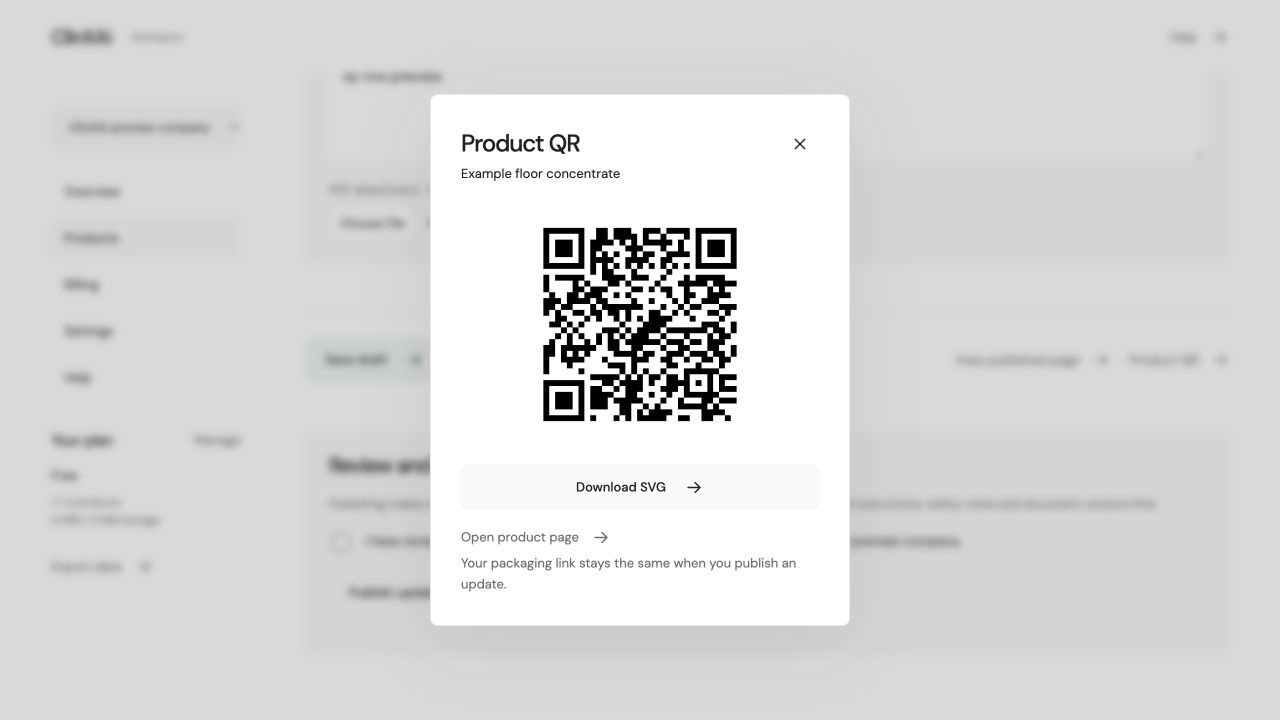
Example QR sheet · preview link.
From draft to QR.
Choose your company and add a product.
Add instructions and a versioned source document.
Save the draft and check the saved information.
Confirm your review and publish.
Download and test the product QR.