
Start here
Understand the workflow before changing the inputs.
Use RoomFlow to make housekeeping workload visible before a supervisor assigns rooms. The sections below explain what the tool is doing, where local rules still control the task, and which steps are worth checking first.
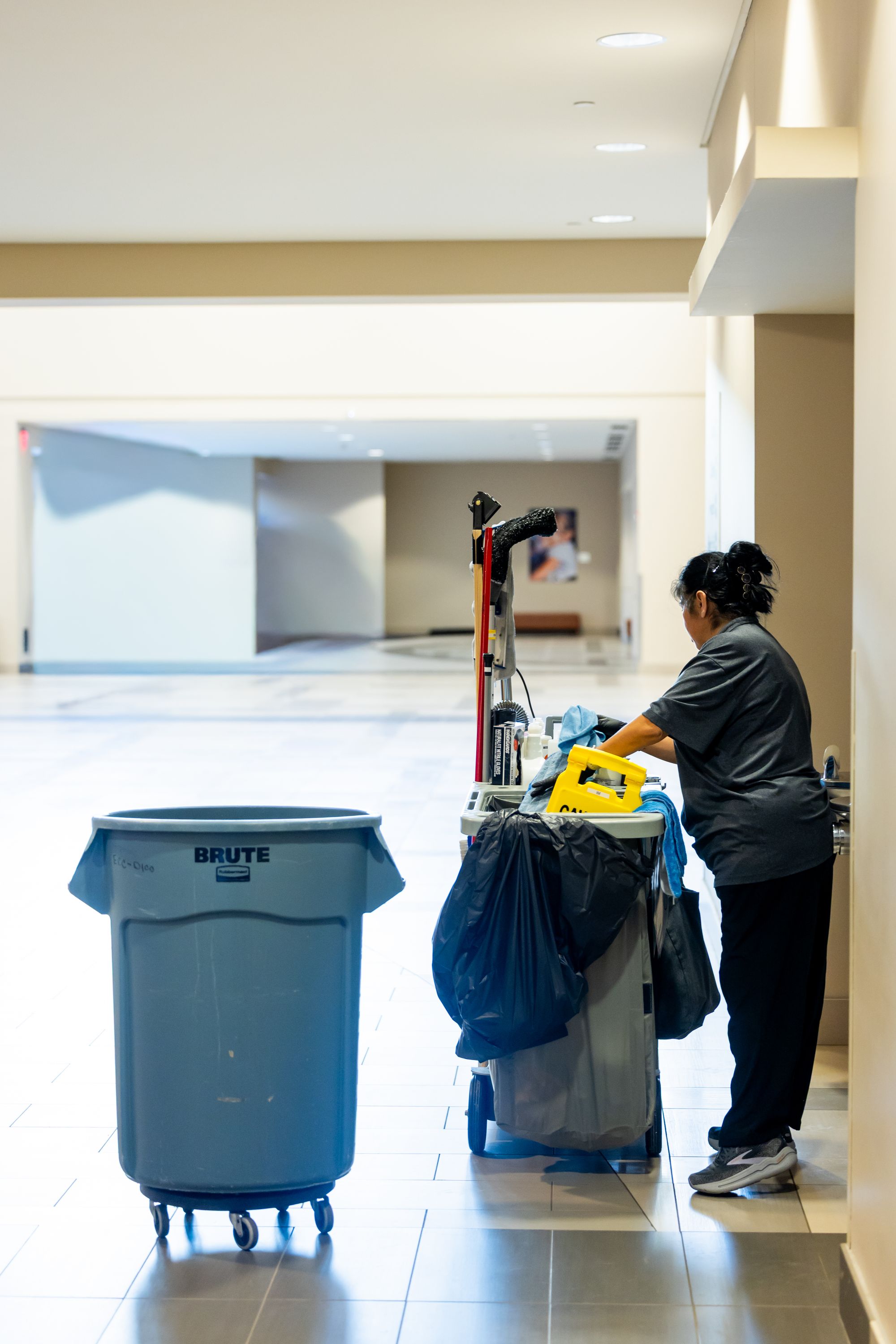
Use support content to clarify the workflow, then return to the live task with the relevant source, inputs and local controls still in view.
01 · Support note
What RoomFlow calculates
RoomFlow combines departures, stayovers, priority arrivals, available attendants and property-defined room credits into a transparent workload total and credits-per-attendant view.
02 · Support note
Use local planning values
Room credits should reflect the property's own room types, service standards and measured workload. The defaults are examples, not universal productivity targets.
03 · Support note
Supervisor control stays final
RoomFlow does not automatically assign performance targets. Supervisors should rebalance for floor location, room type, accessibility, DND, maintenance holds, late checkout and rework.
Operational boundary
Use the support article to navigate the tool — not to replace the controlled source.
Approved labels, SDS, SOPs, contracts, site procedures and accountable decisions remain authoritative where applicable. If the workflow conflicts with a controlled source, stop and resolve the source issue first.
Quick workflow
Use the shortest reliable path.
Work through only the checks that matter to the issue you are trying to resolve.
- 01
Enter departures and stayovers.
- 02
Enter priority arrivals and available attendants.
- 03
Use your property's room-credit values.
- 04
Review total credits and credits per attendant.
- 05
Rebalance with live room status before assignment.