
Start here
Understand the workflow before changing the inputs.
Use CareClean Planner to organise healthcare environmental-cleaning work around an approved facility protocol. The sections below explain what the tool is doing, where local rules still control the task, and which steps are worth checking first.
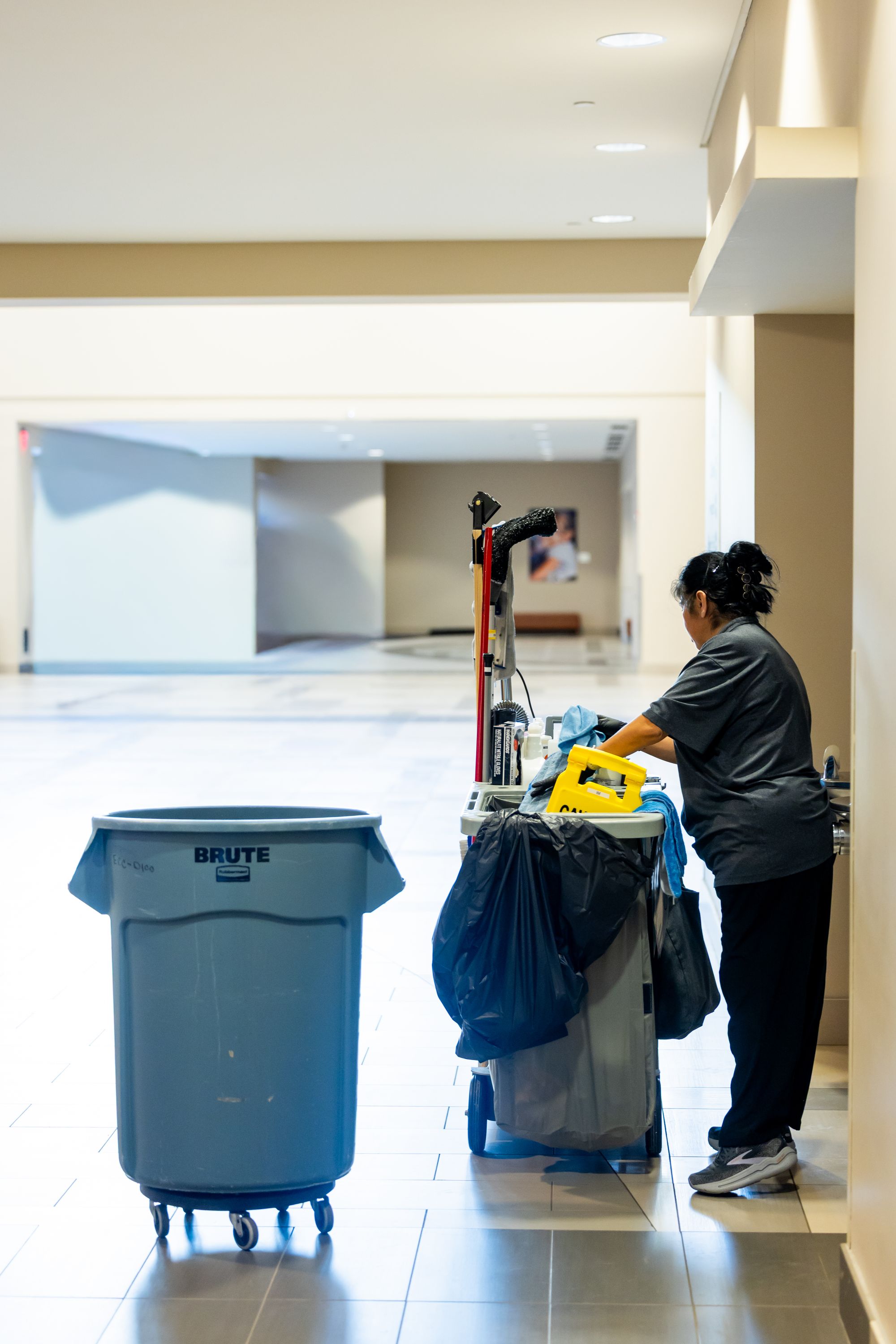
Use support content to clarify the workflow, then return to the live task with the relevant source, inputs and local controls still in view.
01 · Support note
What the planner does
CareClean Planner turns area, work type, shift, frequency, assigned role and an approved SOP reference into a structured operational draft. It organises execution; it does not create clinical cleaning rules.
02 · Support note
What you need before starting
Have the correct facility-approved environmental-cleaning protocol or SOP reference, the area being serviced, the work trigger, the responsible role and any local restrictions or escalation requirements.
03 · Support note
What to review before closing
Confirm the task evidence is complete, record blocked access or unavailable supplies, and escalate protocol, safety or clinical uncertainty to the responsible facility role.
Operational boundary
Use the support article to navigate the tool — not to replace the controlled source.
Approved labels, SDS, SOPs, contracts, site procedures and accountable decisions remain authoritative where applicable. If the workflow conflicts with a controlled source, stop and resolve the source issue first.
Quick workflow
Use the shortest reliable path.
Work through only the checks that matter to the issue you are trying to resolve.
- 01
Choose the area and work type.
- 02
Enter shift, frequency and assigned role.
- 03
Add the approved SOP reference.
- 04
Build the draft and review the execution sequence.
- 05
Save locally only if this device is appropriate for the draft.